AI add-ons for Google Workspace
DocGPT Features
DocGPT puts AI formulas and automation inside Google Sheets and adds AI add-ons for Gmail, Docs, Slides and Forms. This page lists the features on the official site.
See DocGPT FeaturesJump To The Features
Affiliate link: opens the official website. See the disclosure below.
Feature Overview
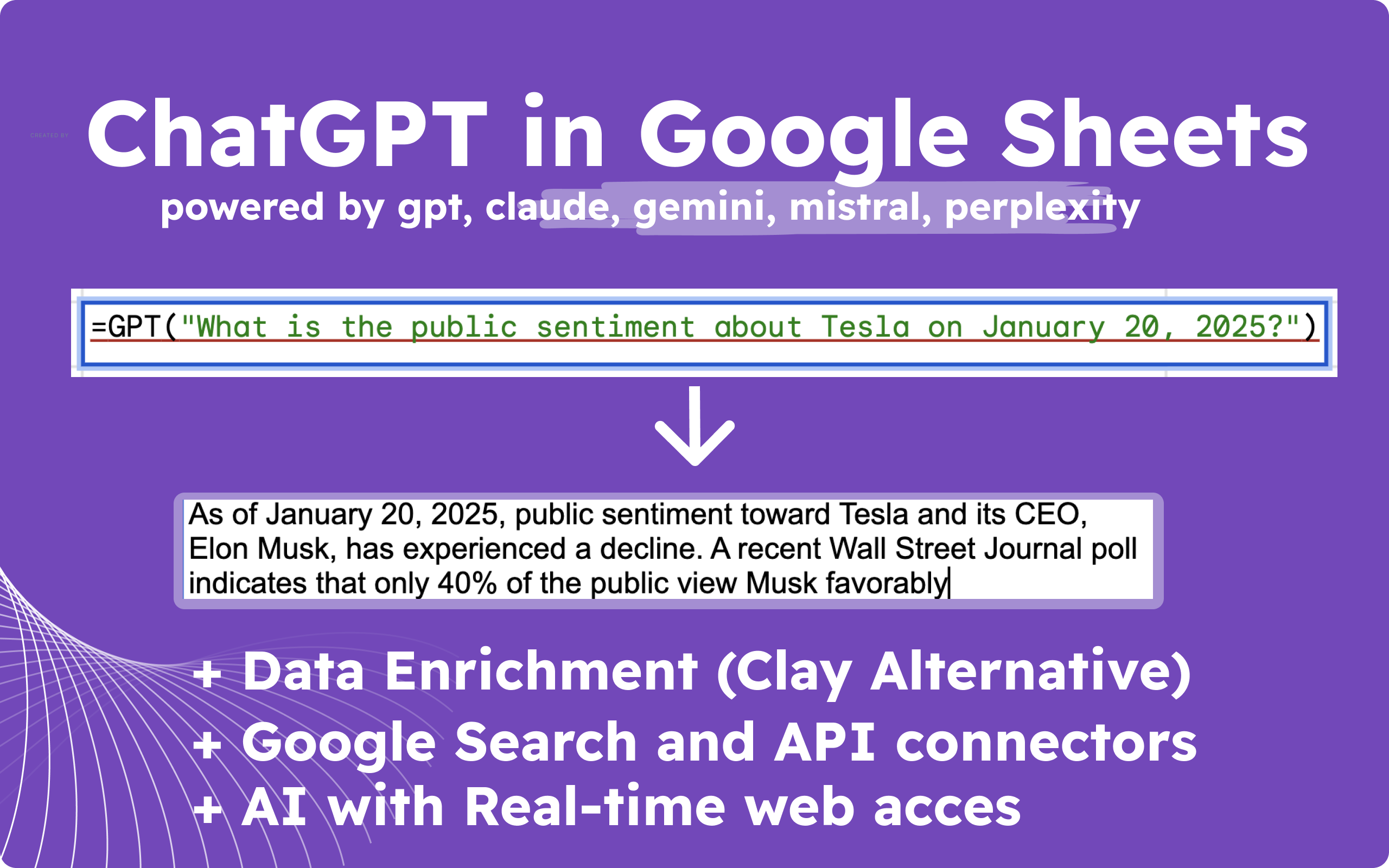
The how-to image from the official site shows the add-on running inside a Google Sheet.
AI Formulas And Models
Formulas include GPT, GPT_TABLE, GPT_EXTRACT, GPT_CLASSIFY, GPT_TRANSLATE and GPT_SUMMARIZE. The site lists GPT, Claude, Gemini, Grok, DeepSeek, Mistral and Perplexity, plus OpenRouter and Replicate for other models. The Starter plan needs no API key; Pro and Business need your own.
Web, SEO And Lead Enrichment
Web functions scrape page titles, headings and text and pull Google search results into cells. SEO tools cover keyword ideas, search volume and bulk Google indexing requests. The Business plan adds lead enrichment through Hunter, Apollo, Prospeo and LeadMagic, Google Maps places, YouTube data and bulk email sending. Provider API keys are needed for the enrichment tools.
Gmail, Docs, Slides And Forms
An AI email assistant writes replies in Gmail, the Docs add-on writes long-form and SEO content, the Slides add-on builds presentations, and the quiz maker builds forms and quizzes.

What The Site Does Not Say
- Per-query limits on the Gmail, Docs, Slides and Forms add-ons.
- How accurate the AI output is.
- A full list of supported models.
See pricing for the plans that are listed.
How We Wrote This
This page is based on the official DocGPT website and its pricing page, read on 24 October 2026. We have not tested DocGPT ourselves, so we do not claim results. Quality, speed and capability claims are the vendor's own claims. Prices, models and promotions change often, so confirm them on the official site before you pay. See how we review.