AI lyric video generator
LyricEdits Review: Features, Pricing And Verdict
LyricEdits (lyricedits.ai) turns a song file into a lyric video with AI visuals and synced lyrics that you can edit scene by scene. This review covers what it does, what it costs and who it suits, from the official site.
Affiliate link: opens the official website. See the disclosure below.
What Is LyricEdits
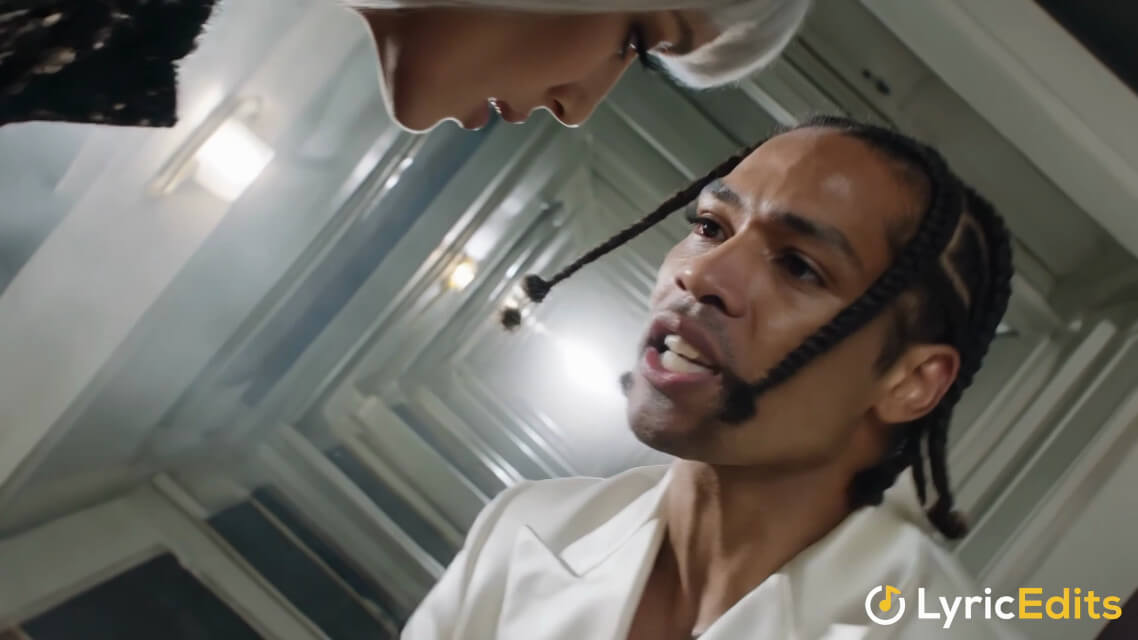
LyricEdits says you upload a song (MP3, WAV, FLAC, AAC, OGG or M4A, up to 100MB), the AI transcribes the lyrics, makes visuals, animates and syncs them, and you refine everything in a real-time editor. You can change the story, characters, art style, fonts, images, videos, colors, lyrics, scenes and timing, or upload your own media. It lists models such as Flux 3, Nano Banana 2.1, Seedance 2.5, Kling 3 and GPT Image 2.5.
LyricEdits Key Features
- Song to lyric video with AI transcription
- Real-time editor for scenes and timing
- Several modes: lyric, karaoke, visualizer, story and music video
- Many AI models for images and video
- No watermark on paid plans, commercial use
- Export to DaVinci Resolve, Premiere Pro and Final Cut on Pro and up
More on the features page.
LyricEdits Pricing And Plans
There are three paid plans, plus custom Enterprise, and one-time credit packs. Plans are billed monthly or yearly.
| Plan | Monthly billing | Annual, first year | Credits a month | Highest export |
|---|---|---|---|---|
| Creator | $39 | $27.30 a month ($327.60 billed) | 2,000 | 1080p |
| Pro | $99 | $69.30 a month ($831.60 billed) | 6,000 | 4K |
| Ultra | $149 | $104.30 a month ($1,251.60 billed) | 10,000 to 100,000 | 4K, priority queue |
See the pricing page and the discount page.
Prices are as shown on the official LyricEdits pricing page on 26 October 2026. The annual first-year prices carry a "V2 Launch" 30% discount that the page says ends Oct 31, with no year given, so check the live page.
LyricEdits Pros And Cons
Pros
- Song in, editable lyric video out
- Many modes and models in one tool
- No watermark and commercial use on paid plans
- Credits roll over for 3 months while subscribed
- Exports to pro editors on Pro and up
Cons
- Cost depends on credits and animated backgrounds
- Free account gets one watermarked export in total
- Strict refund conditions, packs non-refundable
- Unused credits are lost if you cancel
- Annual first-year price renews higher
Is LyricEdits Worth It: Our Verdict
We have not used LyricEdits, so this verdict comes from the official pages and not from our own tests.
Who Should Use LyricEdits And Who Skip
A good fit
- Independent musicians who want lyric or visualizer videos
- Creators who like to edit scene by scene
- Teams that want exports for Premiere or DaVinci
Think twice
- Anyone who wants a finished video from one click
- People who need many full music videos on a small budget
- Anyone who does not own the rights to the song
Is LyricEdits Legit And Safe
The site lists a help page, an MCP server and blog guides. It claims 20,000+ musicians and 90,000+ lyric videos, which we cannot verify, and we found no testimonials on the pages we read. It says it is not a "magic button" and that you need rights to your song.
What We Could Not Verify
- The usage numbers on the home page.
- Output quality for each model and mode.
- The real credit cost of a full song with animated backgrounds.
- Whether the V2 Launch discount continues after Oct 31.
How To Get Started With LyricEdits
- Open the site and create a free account.
- Upload a song and let it transcribe the lyrics.
- Edit one scene and check the credit cost.
- Choose a plan or a credit pack only if the cost works.
LyricEdits Review FAQ
Is there a free trial?
There is a free account with some credits and one export. See the free trial page.
Is there a coupon code?
We found none, only the V2 Launch annual discount. See the discount page.
Can I use videos commercially?
The site lists commercial use on all plans.
Can I cancel?
Yes, anytime. You stay active until the end of the billing cycle.
How We Wrote This
This page is based on the official LyricEdits website and its pricing page, read on 26 October 2026. We have not tested LyricEdits ourselves, so we do not claim results. Quality, speed and capability claims are the vendor's own claims. Prices, models and promotions change often, so confirm them on the official site before you pay. See how we review.