AI add-on for Google Sheets and Excel
Numerous.ai Review: Features, Pricing And Verdict
Numerous.ai (numerous.ai) lets you use ChatGPT inside Google Sheets and Excel with a simple =AI formula, so you can run prompts on a whole column at once. This review covers what it does, what it costs and who it suits, from the official site.
Try Numerous.aiRead The Review
Affiliate link: opens the official website. See the disclosure below.
What Is Numerous.ai
Numerous.ai is an add-on for Google Sheets and Excel. You install it, type the =AI function in any cell and the add-on sends your prompt to ChatGPT and returns the result in the sheet, which you can fill down a column to process many rows. The site says there is no need for API keys, that it avoids duplicate queries to save cost and that it caches results long term, and that everyone on a team can use the same plan.
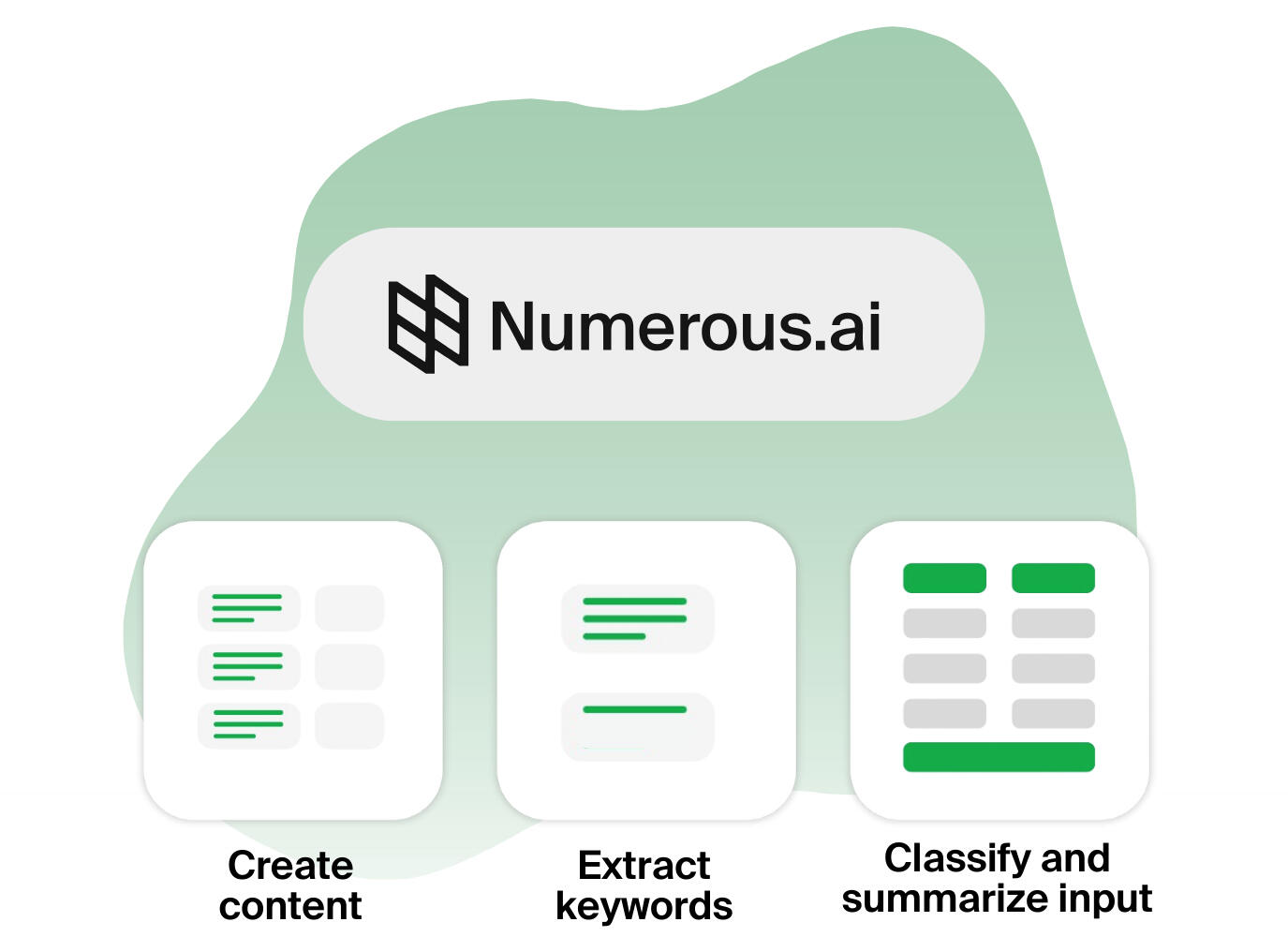
Numerous.ai Key Features
- =AI function that works in any cell
- No API keys to set up
- Google Sheets and Excel on every plan
- Bulk use: summarize, categorize, rewrite and clean text
- Team plans with shared use
- Email support, with priority support on Enterprise
More on the features page.
Numerous.ai Pricing And Plans
There are Personal, Pro and Enterprise plans. Each starts with 7 days free and is billed monthly or yearly.
| Plan | Billed yearly | Billed monthly | Text allowance | Who it is for |
|---|---|---|---|---|
| Personal | $8 a month | $19 a month | 1 million characters | A single user |
| Pro | $24 a month | $39 a month | 5 million characters | Up to 3 people on your team |
| Enterprise | $8 a month per user | $10 a month per user | 1 million characters per person | Teams of 3 to 100 seats |
See the pricing page and the discount page.
Prices are as read from the Numerous.ai pricing section on 26 October 2026. The page says "Save 57% with yearly", and every plan starts with 7 days free. Check the live page before you pay.
Numerous.ai Pros And Cons
Pros
- Works inside the spreadsheet you already use
- No API key to manage
- Simple =AI formula that fills down a column
- 7 days free on every plan
- Cancel anytime and keep remaining tokens
Cons
- Usage is capped by characters
- Price display and figures look inconsistent
- No refund policy, reviews or FAQ on the site
- Does not say which AI model runs your formulas
- Bulk prompts can use up the allowance quickly
Is Numerous.ai Worth It: Our Verdict
We have not used Numerous.ai, so this verdict comes from the official pages and not from our own tests.
Who Should Use Numerous.ai And Who Skip
A good fit
- Marketers writing ad copy and keywords in bulk
- Researchers summarizing and classifying survey text
- Teams prototyping prompts together in a sheet
Think twice
- Anyone handling private or regulated data
- People who need clear model names and quality claims
- Users who want a stated refund policy
Is Numerous.ai Legit And Safe
The site shows a company name (Numerous.ai, Inc.), a San Francisco base, a privacy policy, terms of service and a contact link. It shows no customer numbers, ratings or testimonials. Review the privacy policy before sending sensitive text to any AI add-on.
What We Could Not Verify
- Which AI model and version answers your formulas.
- How the character allowance is counted in practice.
- Whether a card is needed to start the free trial.
- The prices that visitors actually see, since the section was hidden on the page we loaded.
How To Get Started With Numerous.ai
- Open the site and choose Start Free Trial on a plan.
- Install the add-on in Google Sheets or Excel.
- Type =AI with a prompt on a few rows and fill down.
- Check how much of the allowance it used before you pay.
Numerous.ai Review FAQ
Is there a free trial?
Yes, the first 7 days are free on every plan. See the free trial page.
Is there a coupon code?
We found none, only a yearly billing saving. See the discount page.
Do I need an API key?
No, the site says you can set up the add-on and begin.
Can I cancel?
The site says you can cancel anytime and keep your remaining tokens forever.
How We Wrote This
This page is based on the official Numerous.ai website and its pricing page, read on 26 October 2026. We have not tested Numerous.ai ourselves, so we do not claim results. Quality, speed and capability claims are the vendor's own claims. Prices, models and promotions change often, so confirm them on the official site before you pay. See how we review.