AI quoting assistant
SpeedQuoteAI Free Trial
Every SpeedQuoteAI plan starts with a 10-day free pilot. This page covers the three stages, what to test and what to check before day 11.
Start The Free TrialRead The Trial Details
Affiliate link: opens the official website. See the disclosure below.
The Three Trial Stages
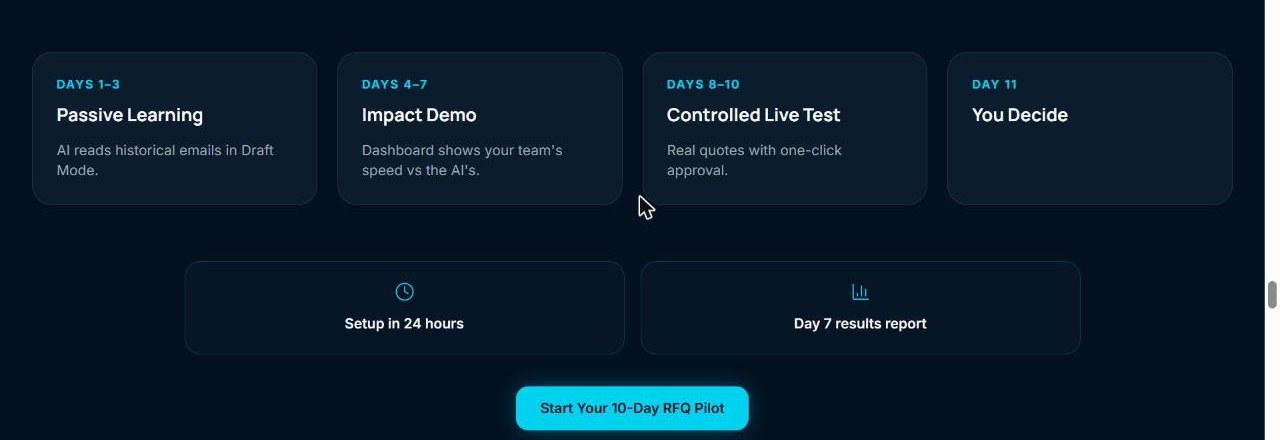
- Days 1 to 3: the AI reads historical emails in draft mode
- Days 4 to 7: a dashboard compares your team speed with the AI
- Days 8 to 10: a controlled live test with one-click approval
- Day 11: you decide
What To Test
- Check that the drafts use your catalog and margin rules correctly.
- Send the hard cases, such as drawings and special materials, and see that they reach a person.
- Compare the AI drafts with your own quotes for the same requests.
- Note the time saved, then decide on day 11.
What To Check
- The site does not say if a card is needed to start the trial.
- Billing is monthly and renews automatically after the trial, so cancel in time if it does not fit.
- The terms give no refund for the current month.
SpeedQuoteAI sends nothing to your buyer until you approve it, but you are still responsible for every quote. Set a minimum margin, check the first quotes by hand, and keep drawings and special materials with a person. The service reads your inbox, so check who on your team can see it. We have not used SpeedQuoteAI and have not checked the data claims.
SpeedQuoteAI Free Trial FAQ
Is a card needed?
The site does not say.
How long is setup?
Managed setup takes about 24 hours.
Is there a discount after the trial?
See the discount page.
How We Wrote This
This page is based on the official SpeedQuoteAI website, pricing page and terms, read on 29 October 2026. We have not tested SpeedQuoteAI ourselves, so we do not claim results. Quality, speed and capability claims are the vendor's own claims. Prices, models and promotions change often, so confirm them on the official site before you pay. See how we review.