Overview
CodePal helps write and debug code in 60+ programming languages and build full-stack web apps with AI. All plans include these tools; paid plans add more app builds, faster models and team features.
Who it suits
Developers and learners who want AI help with code.
Key features
- Code generation and debugging
- 60+ languages
- AI app builder
- Team features on paid plans
Pricing (as of 8 October 2026)
- "Start free"; plan prices and limits were not on the page we read.
Free plan or trial: Free start.
Prices change often. Confirm on the official site before you buy.
Pros and cons
Pros
- Free start
- Many languages
- Builds apps as well as snippets
Cons
- Prices not published on the page
- AI code needs review and testing
- Limits unclear
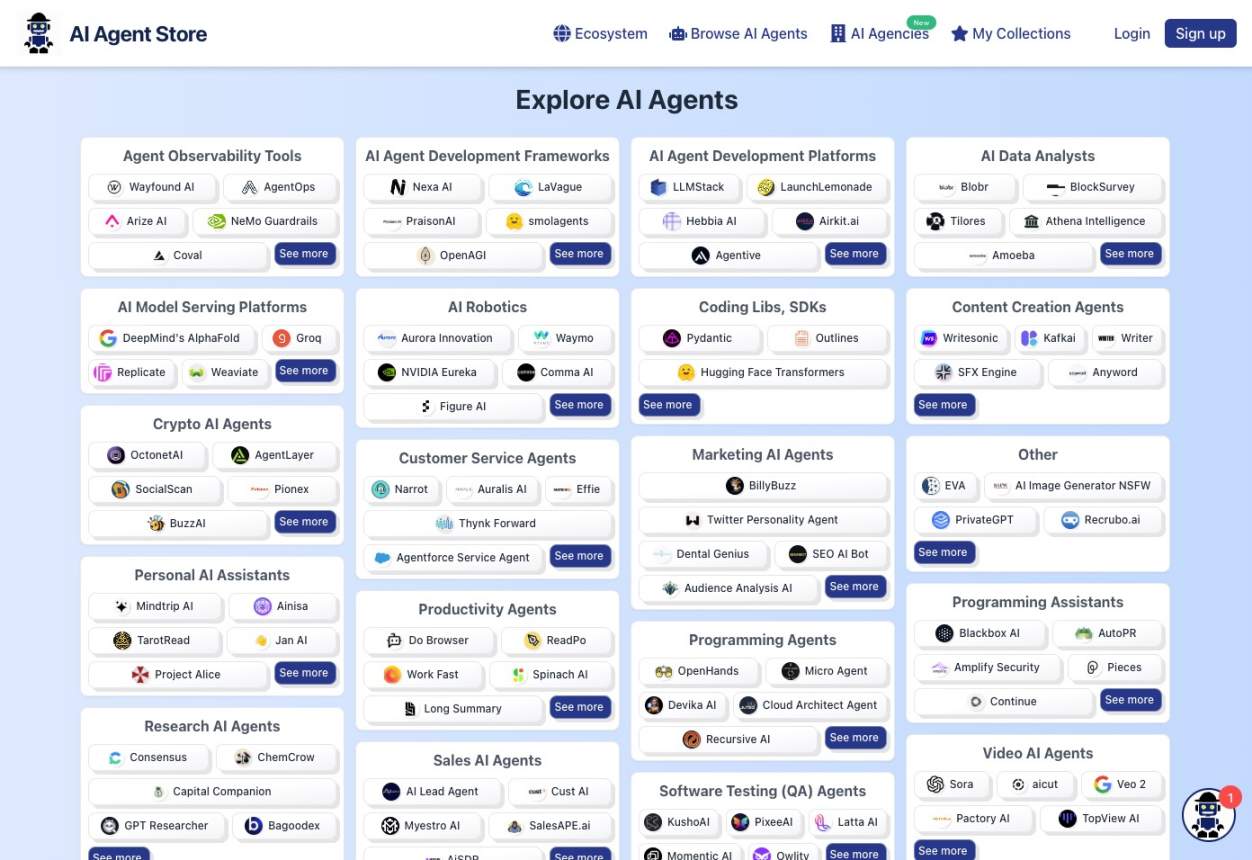
Alternatives on this site


FAQ
What is CodePal?
CodePal helps write and debug code in 60+ programming languages and build full-stack web apps with AI. All plans include these tools; paid plans add more app builds, faster models and team features.
Is CodePal free?
Free start. Check the official site for current terms.
How much does CodePal cost?
"Start free"; plan prices and limits were not on the page we read. Information as of 8 October 2026; prices can change.
Who is CodePal for?
Developers and learners who want AI help with code.
Did you test it yourself?
No. This page is based on the official CodePal website, read on 8 October 2026. We have not tested the tool hands-on.
How we researched this
We read the official CodePal website on 8 October 2026 and summarised what it says. Where a figure is the company's own claim we say so. We have not hands-on tested CodePal and this is not a rating. See how we review.