Overview
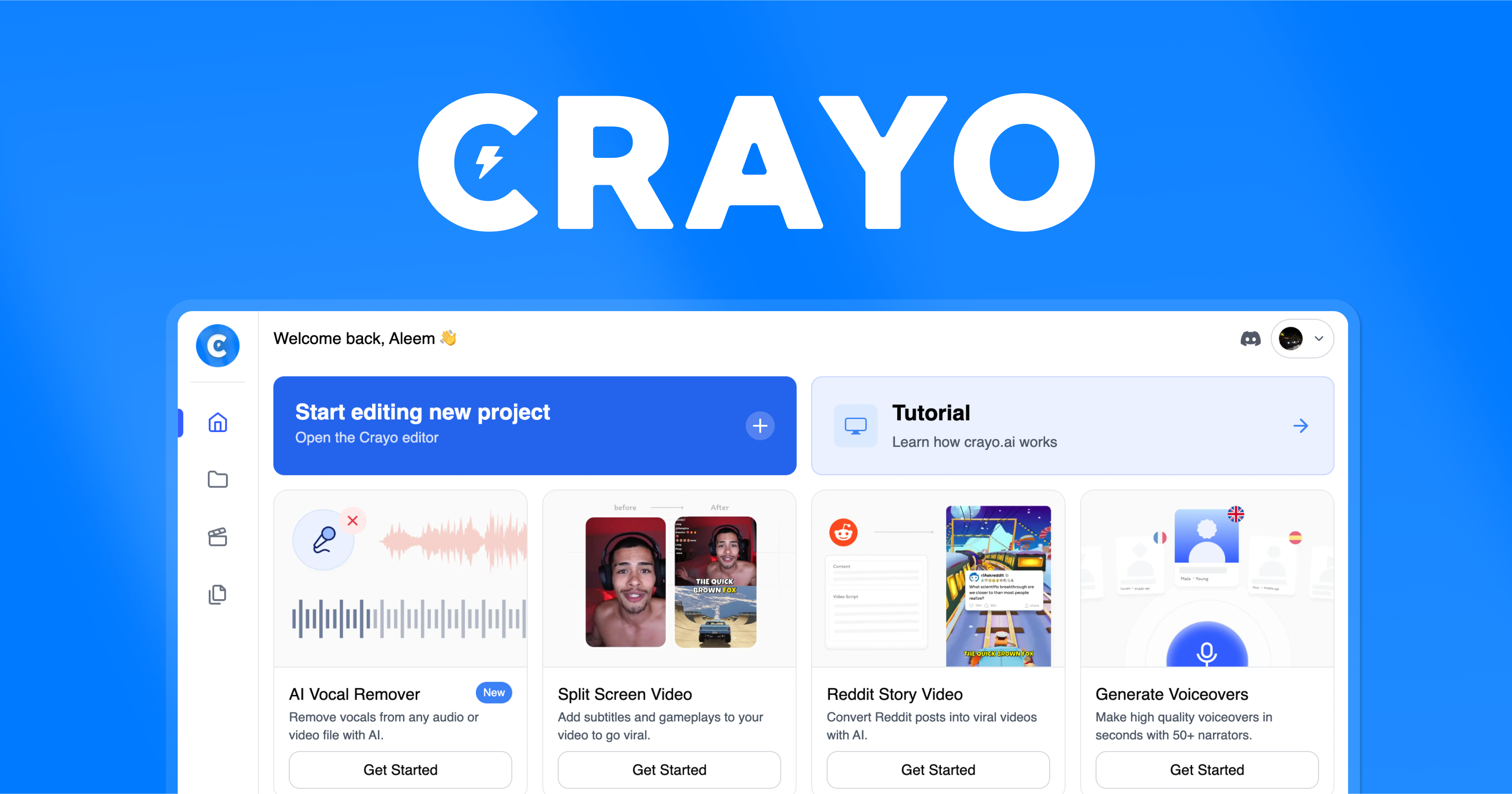
Crayo is a web-based editor for short-form video. You upload a file or paste a YouTube or TikTok link, pick a subtitle style and let the tool cut and caption clips. It also generates Reddit-story and fake-text videos, AI voiceovers and images.
Who it suits
Clippers, streamers and faceless-channel creators who repost or repurpose long videos as shorts.
Key features
- Auto clipping from a file or link
- 15+ subtitle styles
- AI voiceovers and AI images
- Background remover, speech enhancer and face swap
- Reddit-story and fake-text video generators
Pricing (as of 8 October 2026)
- Plans are on the Crayo pricing page.
- Per the site: cancel any time (access continues to the end of the billing cycle), credits reset monthly, and refunds are not offered.
Free plan or trial: Not stated on the home page. The site lists free utility tools such as a video trimmer and compressor.
Prices change often. Confirm on the official site before you buy.
Pros and cons
Pros
- Covers clipping, captions and voice in one place
- You own the rights to videos you create, per the site
- Free utility tools
Cons
- No refunds
- Monthly credits do not roll over
- Only use footage you have rights to clip
Alternatives on this site

FAQ
What is Crayo?
Crayo is a web-based editor for short-form video. You upload a file or paste a YouTube or TikTok link, pick a subtitle style and let the tool cut and caption clips. It also generates Reddit-story and fake-text videos, AI voiceovers and images.
Is Crayo free?
Not stated on the home page. The site lists free utility tools such as a video trimmer and compressor. Check the official site for current terms.
How much does Crayo cost?
Plans are on the Crayo pricing page. Per the site: cancel any time (access continues to the end of the billing cycle), credits reset monthly, and refunds are not offered. Information as of 8 October 2026; prices can change.
Who is Crayo for?
Clippers, streamers and faceless-channel creators who repost or repurpose long videos as shorts.
Did you test it yourself?
No. This page is based on the official Crayo website, read on 8 October 2026. We have not tested the tool hands-on.
How we researched this
We read the official Crayo website on 8 October 2026 and summarised what it says. Where a figure is the company's own claim we say so. We have not hands-on tested Crayo and this is not a rating. See how we review.