AI image and video generator
Aitubo Features: Image, Video And Music Tools
Aitubo puts image models, video generation, AI music, an editing canvas and 200+ effects in one account. This page lists what the official site says each tool does, the limits to know about, and step by step guides for the main tools.
Try Aitubo FreeJump To The Guides
Affiliate link: opens the official website. See the disclosure below.
What Aitubo Includes
Tools listed on the official Aitubo website:
- Text to image: generate images from a text prompt.
- Many image models in one place: Seedream 5.0, Nano Banana 2, GPT Image 1.5, Flux Kontext, Imagen 4, Qwen Image and Ideogram Character are named on the site.
- Video generation: make videos from text, or turn an image into a video.
- AI music: create music from a prompt, including vocals.
- Infinite editing canvas: create, edit and brainstorm on one canvas using the generators, tools, mockups and effects.
- Photo and video effects: the site says it has over 200 effects.
- Editing tools: image editor, background remover, headshot generator, face swap and upscaler.
- Avatar and video tools: avatar generator, video face swap and dance generator.
- Apps and API: apps for iOS, Android, macOS and Windows, and a separate API product.
Four Kinds Of Creative Work
- Image: text-to-image with many models.
- Video: from text, or from an image.
- Music: music from a prompt.
- Editing and effects: editor, background remover, upscaler and 200+ effects.
Fits Your Workflow
Apps and tools named on the official website: the web app, iOS and Android apps, macOS and Windows apps, an API (a separate product), Private Mode on paid plans, and prompt enhance.
Limits To Know About
- The free plan allows non-PRO models only and up to 2 pending jobs.
- Free works are saved for 90 days.
- Everything runs on tokens that refresh monthly.
- Watermark rules are not stated on the pages we read.
Plan prices and token amounts are on the Aitubo pricing page. Explore Aitubo Features
Aitubo AI Image Generator: Features And How To Use It
The Aitubo AI image generator turns a written prompt into an image, and the same account also covers video, music and editing tools. This guide goes feature by feature, with step by step walkthroughs for text to image, image to video, background removal and music. It is written for readers who have already decided to look at Aitubo and want to know what each tool does before signing up. Details come from Aitubo's own site and pricing page, checked in October 2026. We have not tested the tools, so steps follow the layout Aitubo documents and button names may differ slightly.

How To Use Aitubo: Step By Step Guides
Pick the guide that matches what you want to make:
- Make your first image with text to image.
- Turn an image into a video.
- Generate a music track.
- Remove the background from a photo.
New to Aitubo? Create a free account first. The pricing section and the pros and cons above cover the cost and trade-offs if you are still deciding.
Open The Aitubo Image Generator
Free AI Image Generator: What You Get With Aitubo
Aitubo has a free plan listed at $0 with 50 tokens a month, non-PRO models only, up to 2 pending jobs and works saved in the cloud for 90 days. Its pricing FAQ also says new users get 100 starter tokens and can earn 50 tokens a day by checking in. Paid plans unlock all models, a priority queue and Private Mode. For plan prices and a verdict on value, see the pricing section of our review.
Aitubo Text To Image: Make Your First Image
- Go to aitubo.ai and sign up or sign in. The site lists email and social login.
- Open the AI Image Generator from the Products menu or the homepage button.
- Choose a model. On the free plan, pick one that is not marked PRO.
- Type your prompt (tips below). Optionally use Prompt Enhance, which is free on paid plans.
- Generate, check the result and the tokens used, then save the images you want. Free works stay in the cloud for 90 days; paid plans keep them permanently.
Text To Image AI: How To Write A Good Prompt
Whatever the model, clear prompts get closer results. Name the subject first, then the style, then the setting and lighting, and finally the framing. A short example structure: "a ceramic teapot on a wooden table, soft morning light, product photo, close-up". Avoid contradictions, such as asking for "photorealistic" and "cartoon" in the same prompt. Change one thing at a time between attempts so you can see what caused the difference.
Aitubo Image Models: What Is Available
The homepage names these image models: Seedream 5.0, Nano Banana 2, GPT Image 1.5, Flux Kontext, Imagen 4, Qwen Image and Ideogram Character. A "View More" link leads to a longer list in the app. Aitubo describes Flux Kontext as combining generation and editing in a single model, and Ideogram Character as specialized in character generation. Paid plans unlock all models; the free plan covers non-PRO models only. The pricing page does not list which models are PRO.
AI Art Generator Features: Models, Styles And Output
Beyond model choice, the pricing page lists these generator features: a generation queue with higher priority on paid tiers, 2, 4, 8 or 16 pending jobs depending on the plan, Private Mode on paid plans, and free and unlimited Prompt Enhance on paid plans. Relax mode, an unlimited mode for selected models, covers SD1.5 and Z Image on Basic, adds SDXL 1.0 on Standard, and adds Flux 1.0 and A3 on Pro.
Output goes beyond still images: the same account generates video, music and effects, covered below.
AI Video Generator: Text To Video AI And Image To Video AI
Aitubo's video tools cover two modes: write a prompt and get a video (text to video), or start from an existing image and animate it (image to video). The site also lists over 200 photo and video effects, an AI avatar generator and a dance generator. Paid plans unlock all video engines.
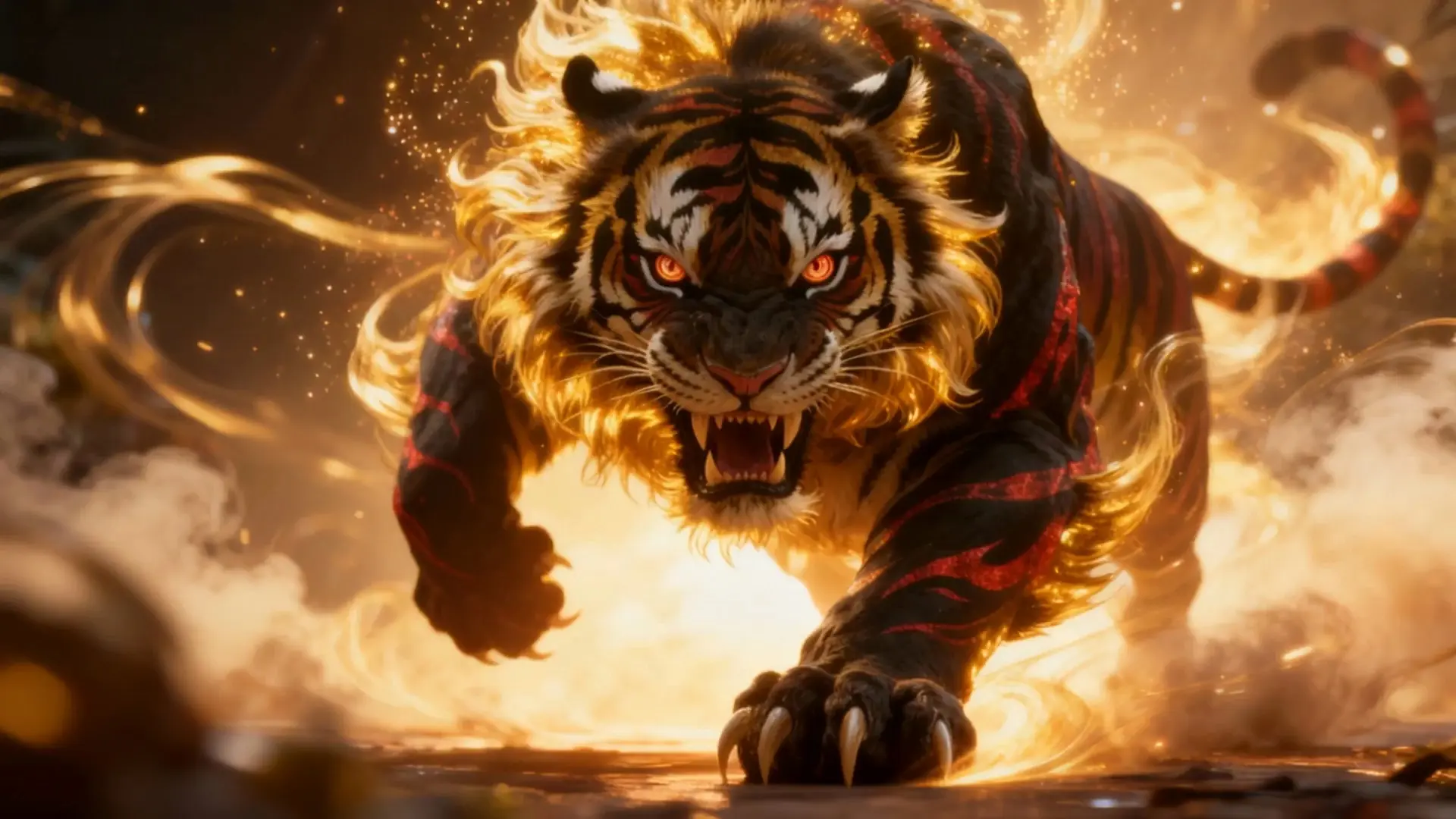
Aitubo Video Generator: What The Tools Cover
The video generator is a separate app inside Aitubo from the image generator. Pending job limits apply to video too, so on the free plan you can queue up to 2 jobs at a time. Aitubo does not publish the token cost per generation, so check the number shown in the app before you generate.
Aitubo Image To Video: Step By Step
- Open the AI Video Generator from the Products menu.
- Choose the image to video mode (the label may differ in the app).
- Upload a clear source image. Use a picture you own or have permission to use.
- Add a short motion prompt describing what should move, for example a slow camera push or hair moving in the wind.
- Generate, review the clip, and download or save it.
Some users on public review sites report that video prompts involving people can be restricted, so expect that portrait images may be rejected.
Is There A Free AI Video Generator In Aitubo?
Yes, within limits. The free plan includes the monthly token allowance and a limit of 2 pending jobs, and paid plans unlock all video engines. Whether the free tokens stretch to many clips depends on the token cost shown in the app. Try Aitubo video tools on the free plan to see the cost.
Aitubo AI Music Generator: Make A Track
- Open the AI Music Generator from the Products menu.
- Describe the genre, mood and, if you want vocals, the topic or lyrics.
- Generate and listen. Regenerate with small changes if the first result is off.
- Save the track you like.
The plan comparison lists Model V3.5 and a maximum track length of 2 minutes on the free plan and 4 minutes on paid plans.
AI Image Editor, AI Background Remover And AI Image Upscaler: What Is Included
Aitubo bundles editing tools next to the generators, so you can fix or improve an image without leaving the account. Aitubo's site does not give plan-specific limits for these tools, so check the app for current limits.
Aitubo Image Editor
An image editor for changing generated or uploaded images. For larger projects, the infinite canvas lets you create, edit and brainstorm using all generators, tools and effects in one space.
Aitubo Background Remover
- Open the Background Remover from the tools list.
- Upload your image.
- Run the tool and check the cut-out edges.
- Download the result. The output format is not stated on the pages we read, so check what the app offers.
Aitubo Image Upscaler
The upscaler enlarges and enhances images. Aitubo does not state output size limits or token costs for it on the pages we read, so confirm in the app if output quality matters to you.
Aitubo App For Android, iOS, Mac And Windows
Besides the web app, Aitubo links app downloads from its footer: an iOS app on the App Store, an Android app on Google Play, and desktop apps for macOS (Apple Silicon and Intel) and Windows. Download apps only from the links on the official site.
Aitubo API For Developers
The API is sold as a separate product. Aitubo's site header links to ShortAPI, a different site with its own documentation and pricing. Aitubo subscription tokens are not described as covering the API, so check the API site for how usage is billed.
Which Aitubo Tool Should You Start With
Match the tool to the result you want, and start on the free plan so you can see the token cost before you commit to anything.
| If you want to | Start with | Why |
|---|---|---|
| Make a picture from an idea | Text to image | The simplest tool, and the best way to learn how prompts change results |
| Animate a picture you already have | Image to video | You choose the starting frame yourself and only describe the motion |
| Get a short jingle or song idea | AI music generator | Free tracks run up to 2 minutes |
| Clean up a product or profile photo | Background remover | One upload, one result, quick to judge |
Before You Upload Photos: Privacy And Consent Tips
Image to video, face swap, headshot and avatar tools all work from photos of real people. Only upload pictures of people who have agreed to it, and never use these tools to imitate someone without their permission. Avoid uploading documents, children's photos or anything private. Paid plans list a Private Mode, but the pricing page does not explain exactly what it covers, so read Aitubo's privacy policy and terms before relying on it. If you plan to use results commercially, Aitubo's pricing FAQ says you own what you generate and may use it commercially; check the current terms first, especially for client work.
Feature By Feature Table
Facts below come from aitubo.ai and its pricing page, read on 23 October 2026. "Not stated" means the pages we read do not say.
| Feature | What Aitubo states | Free plan | Paid plans |
|---|---|---|---|
| Text to image | Many models in one place | Non-PRO models only | All models |
| Video | Text to video and image to video | 2 pending jobs | All video engines unlocked |
| Music | Prompt to music, Model V3.5 | Up to 2 minutes | Up to 4 minutes |
| Infinite canvas | Create and edit across all tools | Not stated | Not stated |
| Image editor, background remover, upscaler, headshot generator | Listed as tools | Not stated | Not stated |
| Avatar generator, dance generator, face swap | Listed as tools. Only use photos of people who have agreed to it | Face swap video up to 15 seconds | Up to 30 seconds |
| Photo and video effects | Over 200 effects | Not stated | Not stated |
| Prompt Enhance | Free and unlimited | Not listed | Included |
| Private Mode | Listed on paid plans | No | Yes |
| Cloud storage | 1 GB on Free, then 3, 5 and 8 GB | 90 days for works | Permanent gallery storage |
| Apps and API | Web, iOS, Android, macOS, Windows. API is a separate product | Apps listed | Apps listed |
More about Aitubo
How we wrote this
This page is based on Aitubo's official site and pricing page, read on 23 October 2026, and on public third-party feedback. We have not tested Aitubo ourselves, so step lists follow the tool layout Aitubo documents and button names may differ. Features, limits and prices can change, so confirm them on the official site before you pay. The TryBestAI Research Team reads official vendor sites and public user feedback to summarise AI tools and does not run hands-on tests. See how we review or the Aitubo review.